
Volume and brightness
A slider for each at the edge of the screen. Grab one and drag.
Needle
Your music in the notch, on the lock screen and on the desktop. For Spotify and Apple Music.
Every song, as a record.

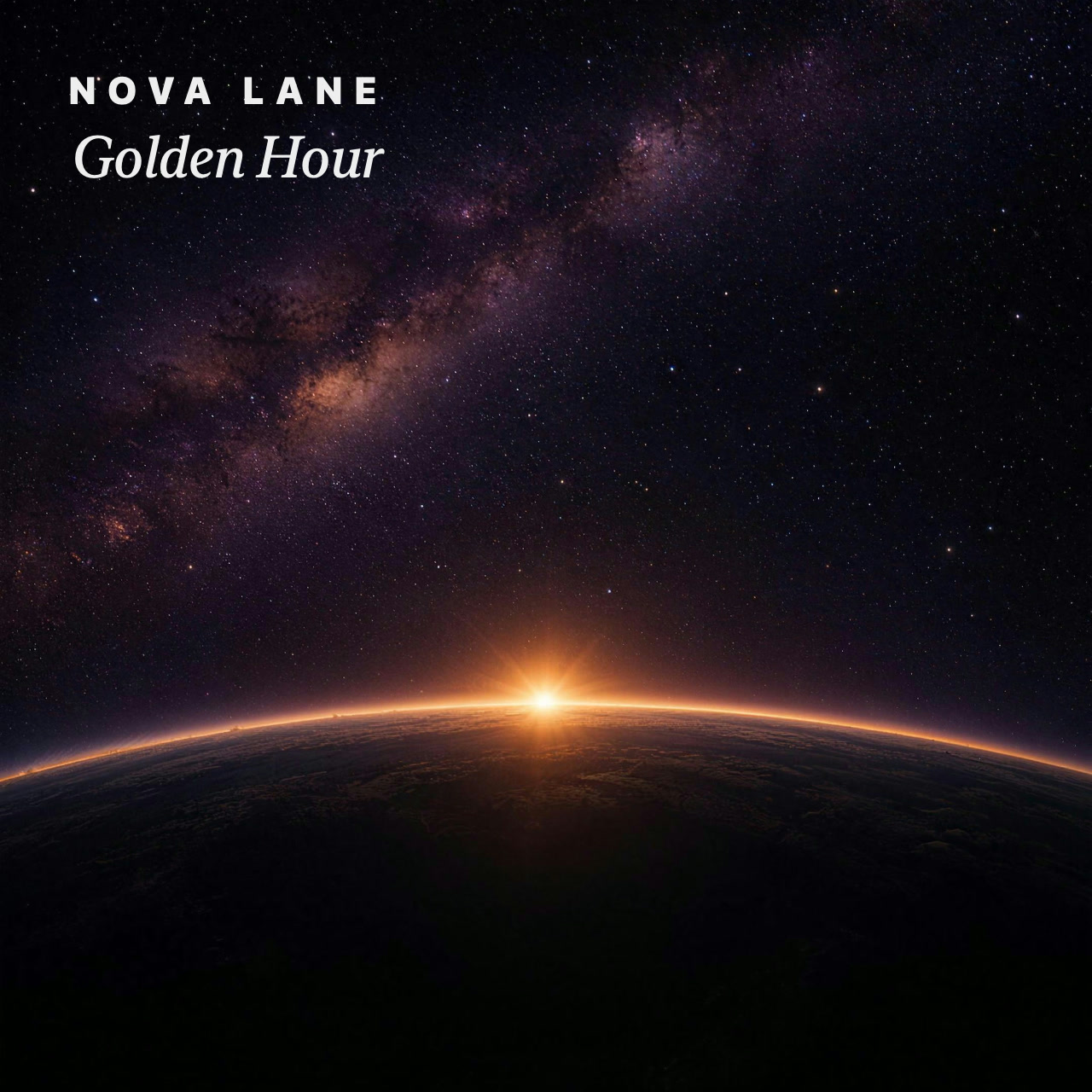
Needle turns the notch into a compact player for whatever is playing.
Hover to preview. Click to open. Swipe for the weather.
While music plays, the lock screen shows the record, the cover and the lyrics.
 Needle
 puts your music
where you already look.
In the notch.
On the lock screen.
On the desktop.
For Spotify and Apple Music.
The notch becomes a compact player. Hover to preview, click to open, swipe for the weather, or expand it to the full view. Switch between black and glass below.
Hover to preview. Click to open. Swipe for the weather.
Play, pause and skip without unlocking your Mac.
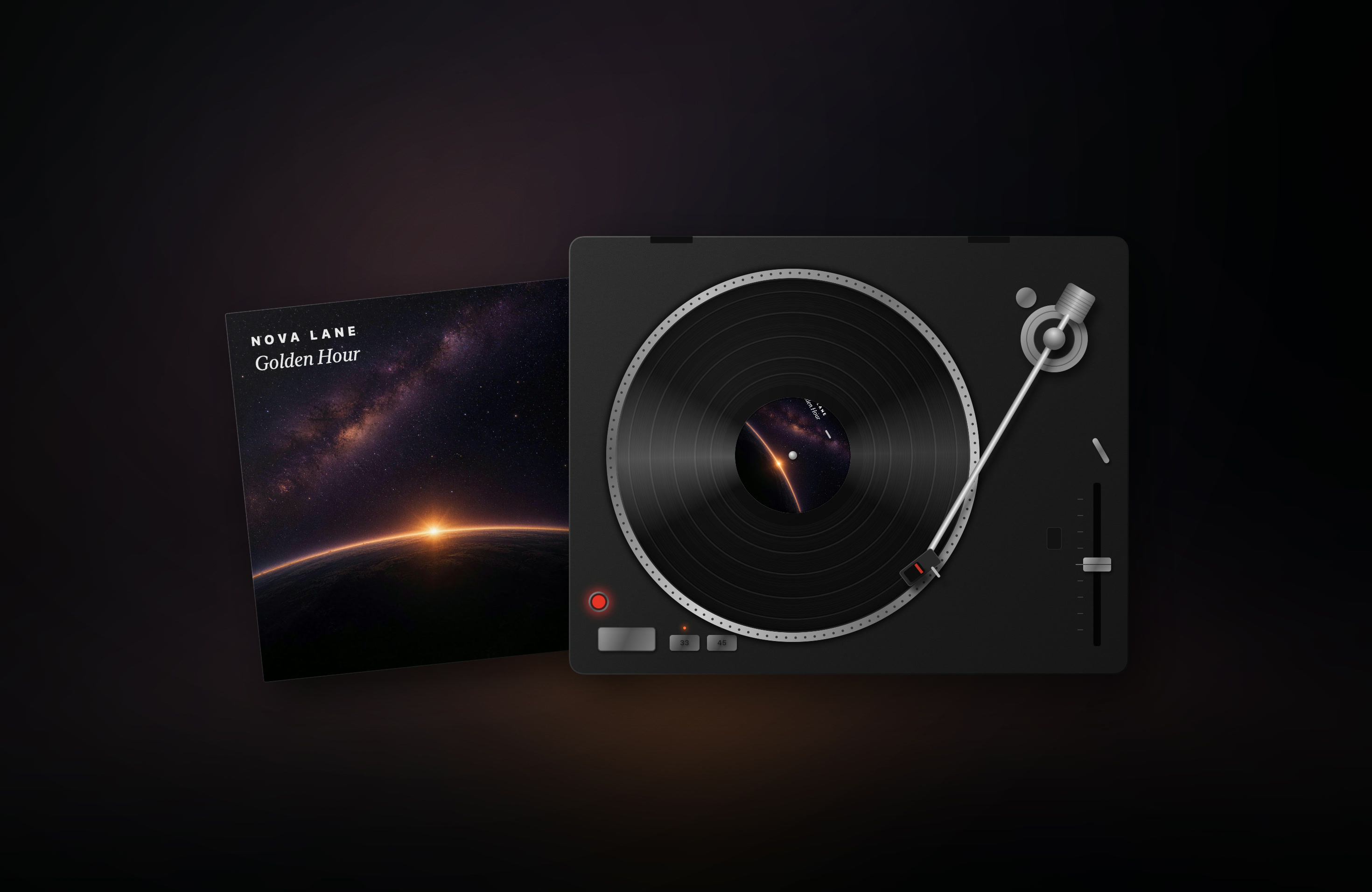
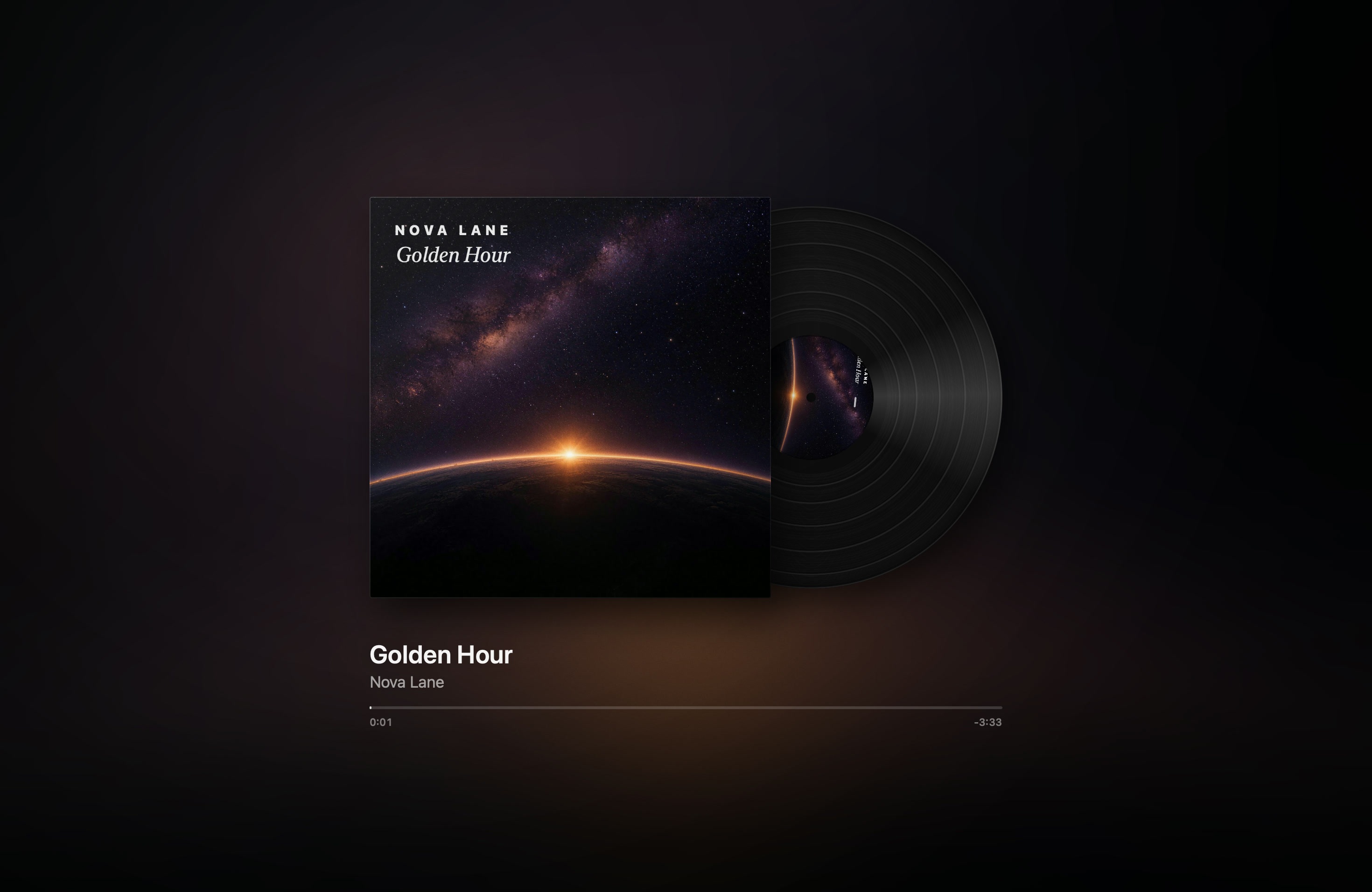
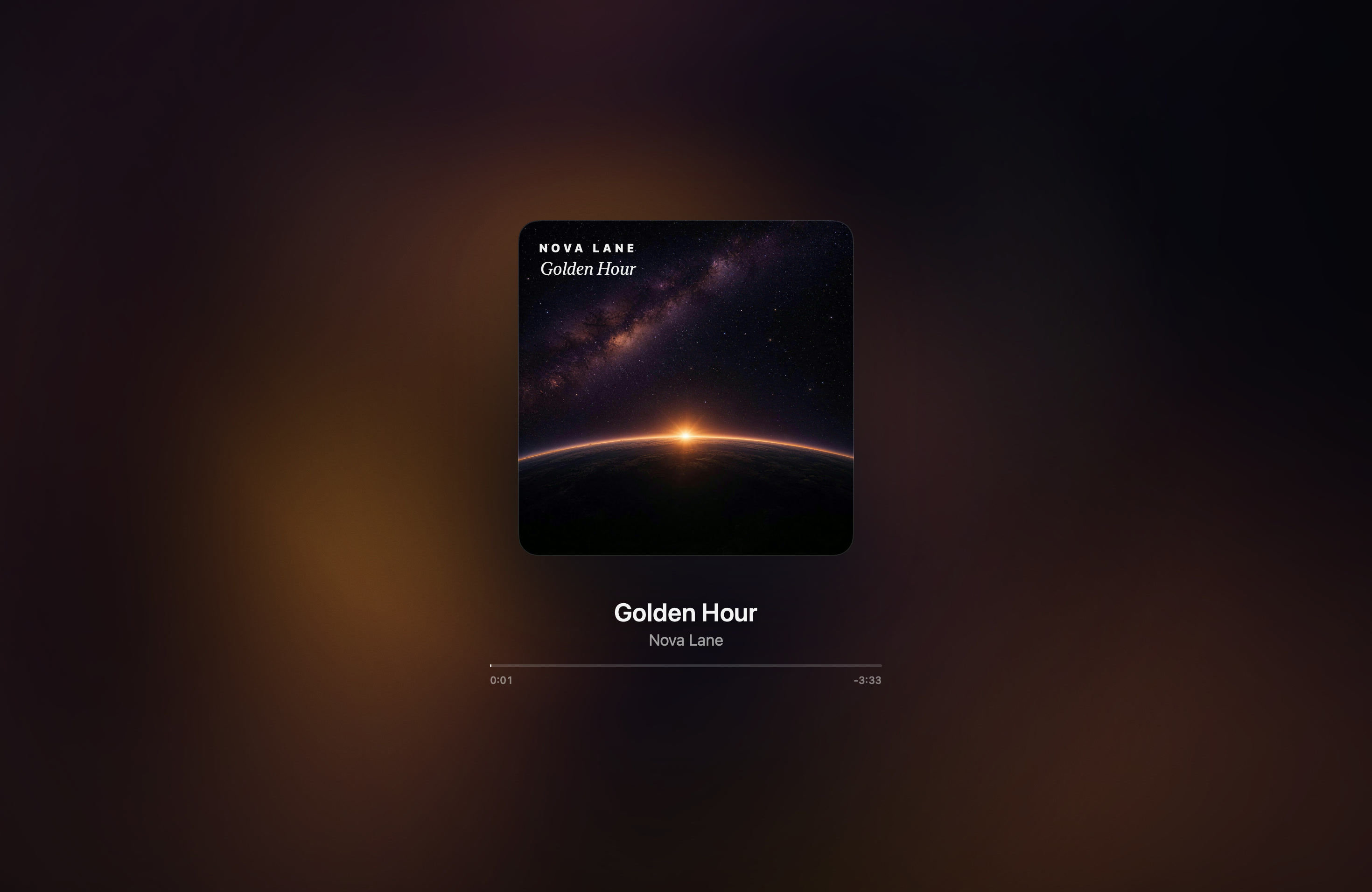
Drag the cover out of the island onto the desktop. Choose a turntable, a record sleeve or a glow in the album's colours.
The edges of the screen light up to the beat, in the colours of the album cover. This one follows the music on this page.
A slider for each at the edge of the screen. Grab one and drag.
A keycap that counts your words per minute, with keyboard sounds. Try typing below.
Look at your Mac to unlock it. Your face data stays in your keychain.
AirPods show in the island as they connect, with their battery.
A private record of what you played. It stays on your Mac.
Spotify and Apple Music. Videos playing in Safari, such as YouTube, show in the island too.
No. Needle is a native app made for Apple silicon. It wakes up when something changes and rests the rest of the time.
Almost nothing. No account, no analytics, no tracking. Lyrics send the song's title and artist to look up the words, the weather uses your approximate location, and that's all. Privacy
The island sits at the top centre of the screen, where the notch would be.
No. You buy Needle once. Try it free first.
Free to try. One purchase, no subscription. For Spotify and Apple Music.
Requires a Mac with Apple silicon and macOS 14 or later.