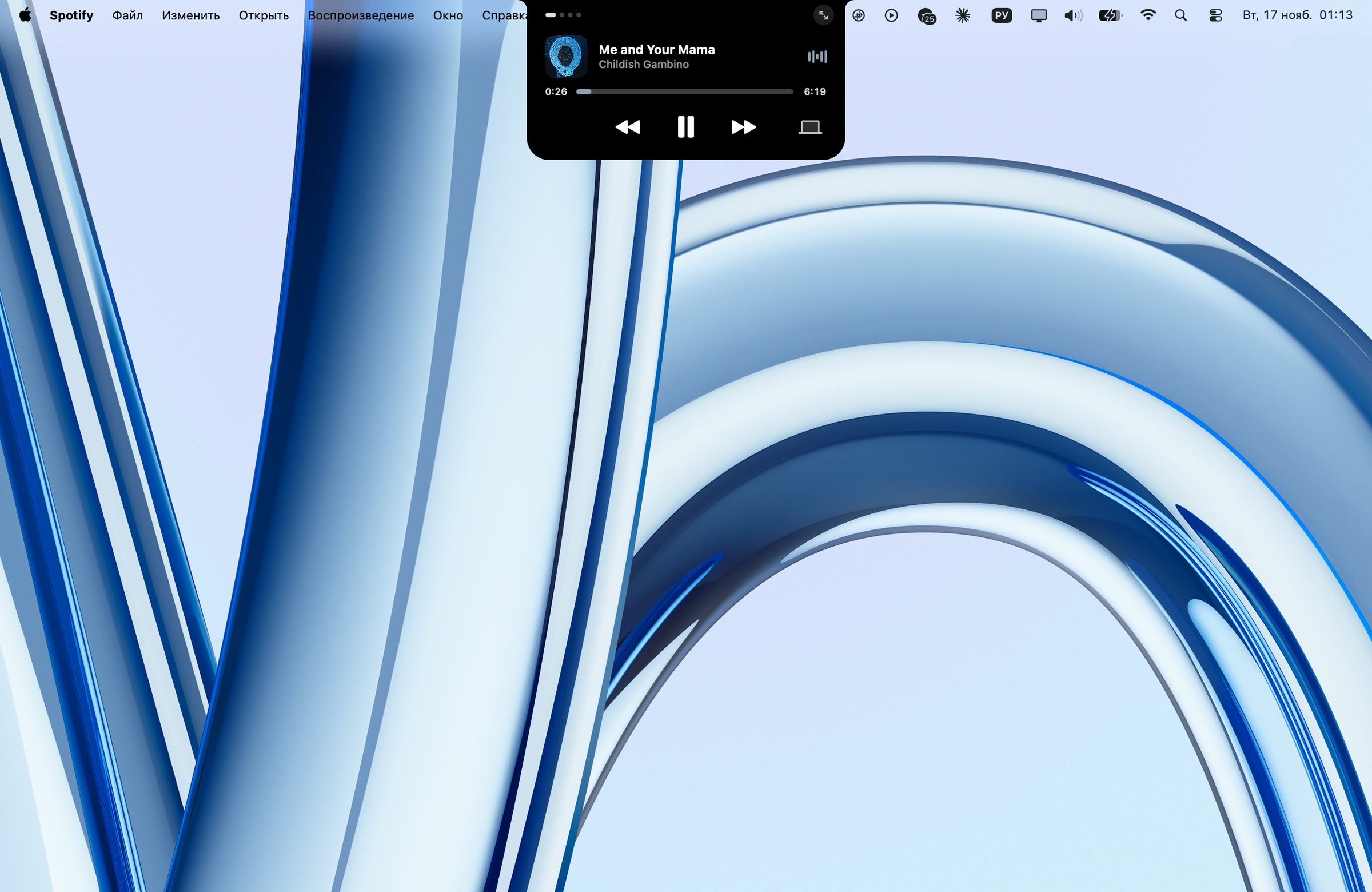
Download Needle.
A record player, for your Mac.for your PC.
macOS 14 or laterWindows 10 or 11·Apple siliconAny 64-bit PC·Free for 2 days
Notarized by Apple. Checked by Apple for malicious software.
Get started.
-
Step 1Download.Needle arrives as a disk image in your Downloads.Step 1Download.Needle arrives as a Windows installer in your Downloads.
 Needle.dmg
 Needle installer
-
Step 2Drag to Applications.Open it, then drag Needle onto Applications.Step 2Install.Open it to install Needle on your PC. If Windows warns you, click More info, then Run anyway.Needle
 Applications
-
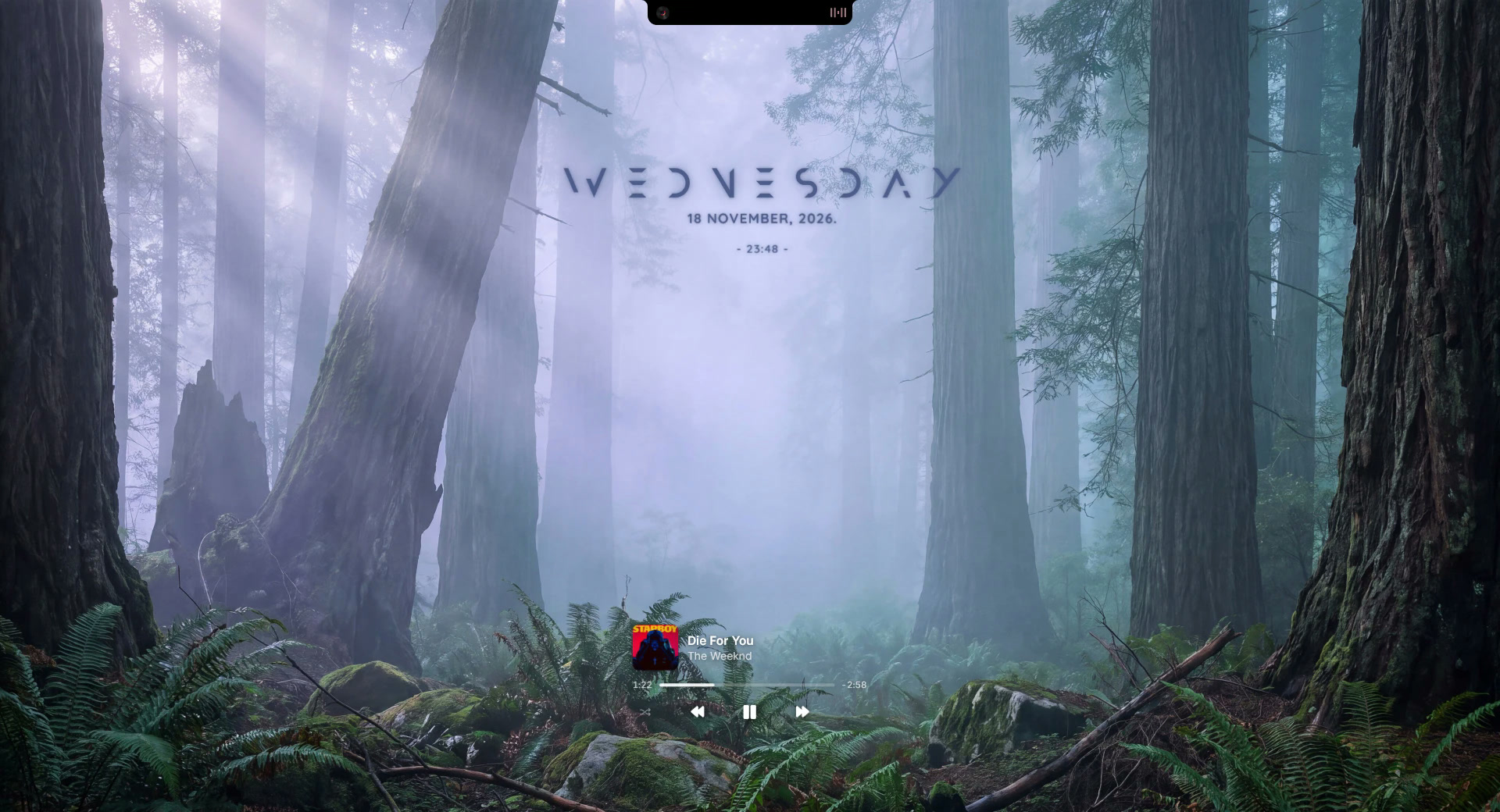
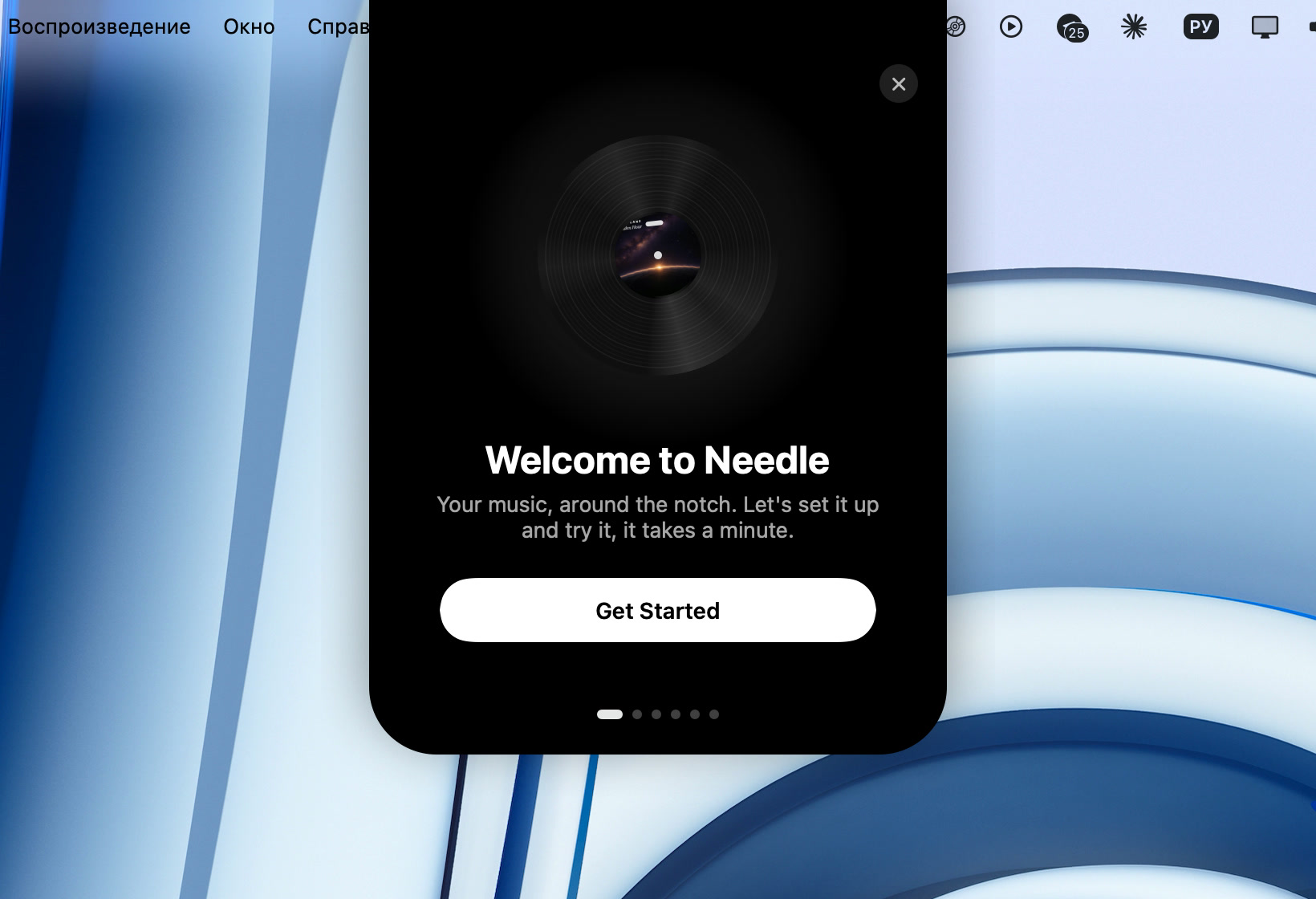
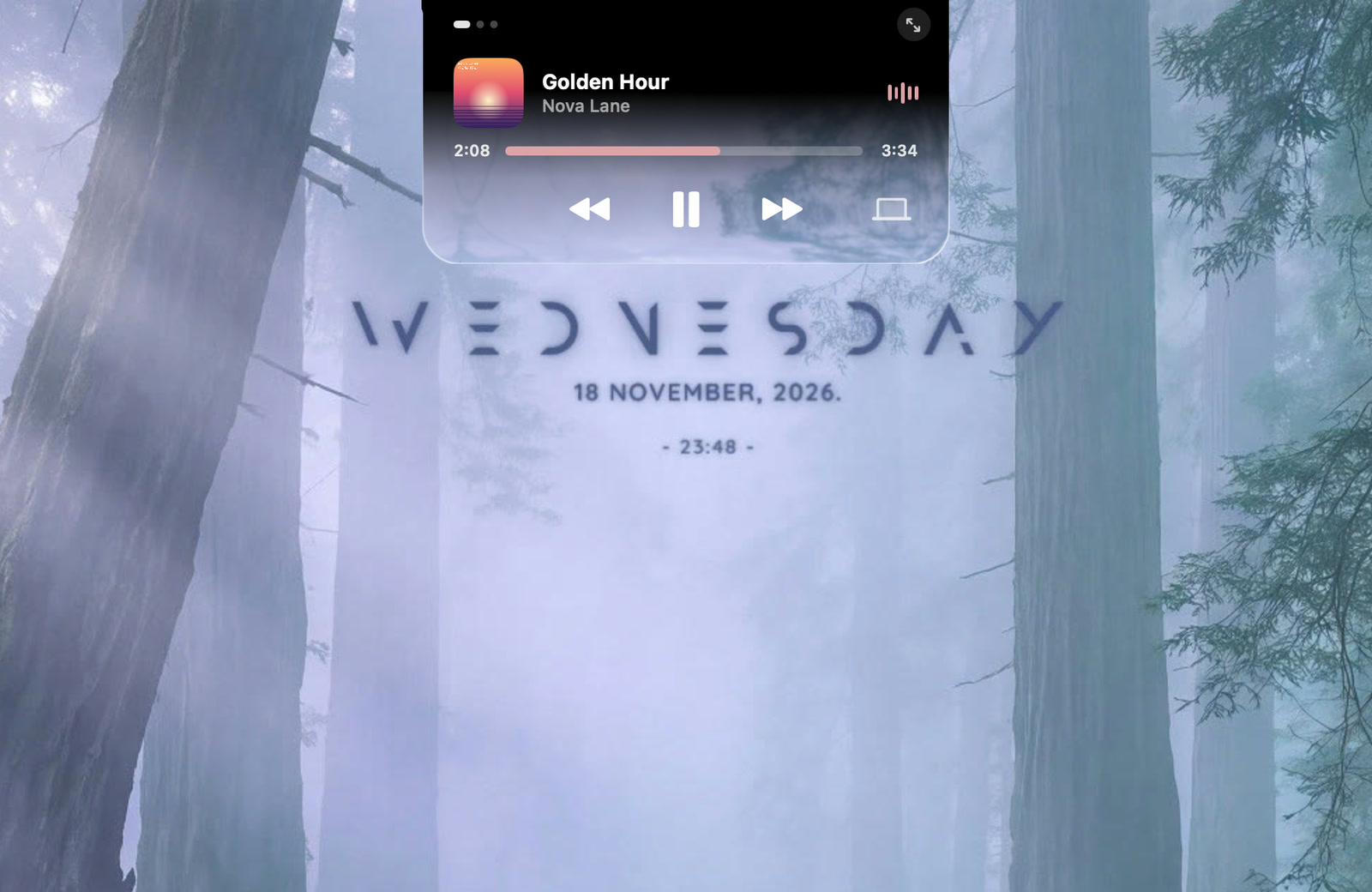
Step 3Open Needle.It grows out of the notch and shows you around. Your 2-day trial starts right away.Step 3Open Needle.Its island hangs from the top of your screen. You get two free days to try it.
Bought Needle already? Click the record in the menu bar, open General and choose Enter Code.Bought Needle for Windows already? Open Needle, paste your code when it asks for it and press Activate.